

 Affdis
- Speeds up early creation
- Multiple creation and editing tools
- Useful integrations and export options
- Accessible to beginners
- Scalable plan options
- Potentially useful for ideation
- Results need inspection and cleanup
- Prompt results can vary
- Credits limit usage
- Not a substitute for specialist skills
- License terms differ by plan
- Pricing and included features can change
Meshy AI Review: Create 3D Models from Text and Images
Justification: Meshy’s core purpose is to generate and refine 3D visual assets from text and images. Its text-to-3D, image-to-3D, AI texturing, remeshing, and animation features fit Image Visual Tools better than writing-focused content creation, app-building, or research categories. Meshy is best understood as an AI-assisted 3D creation platform, not a replacement for every stage of professional modelling.
Creating a 3D model traditionally requires a mix of modelling skill, patience, and familiarity with specialised software. Meshy AI aims to make that process more accessible by turning text prompts and images into 3D assets, then providing tools to texture, edit, rig, and animate them. For game developers, designers, artists, educators, and hobbyists, the platform can offer a quicker way to turn an idea into a model that can be refined in a 3D workflow.
Meshy is best understood as an AI-assisted 3D creation platform, not a replacement for every stage of professional modelling. It can accelerate early ideation and asset production, but generated models may still need human review, cleanup, and adjustment before they are ready for a specific production pipeline. The quality and suitability of results depend on the prompt, the source image, the chosen settings, and the needs of the project.
This review looks at Meshy’s main functions, how to use it, pricing, common applications, advantages and limitations, and alternatives for people comparing AI 3D tools.
What Is Meshy AI?
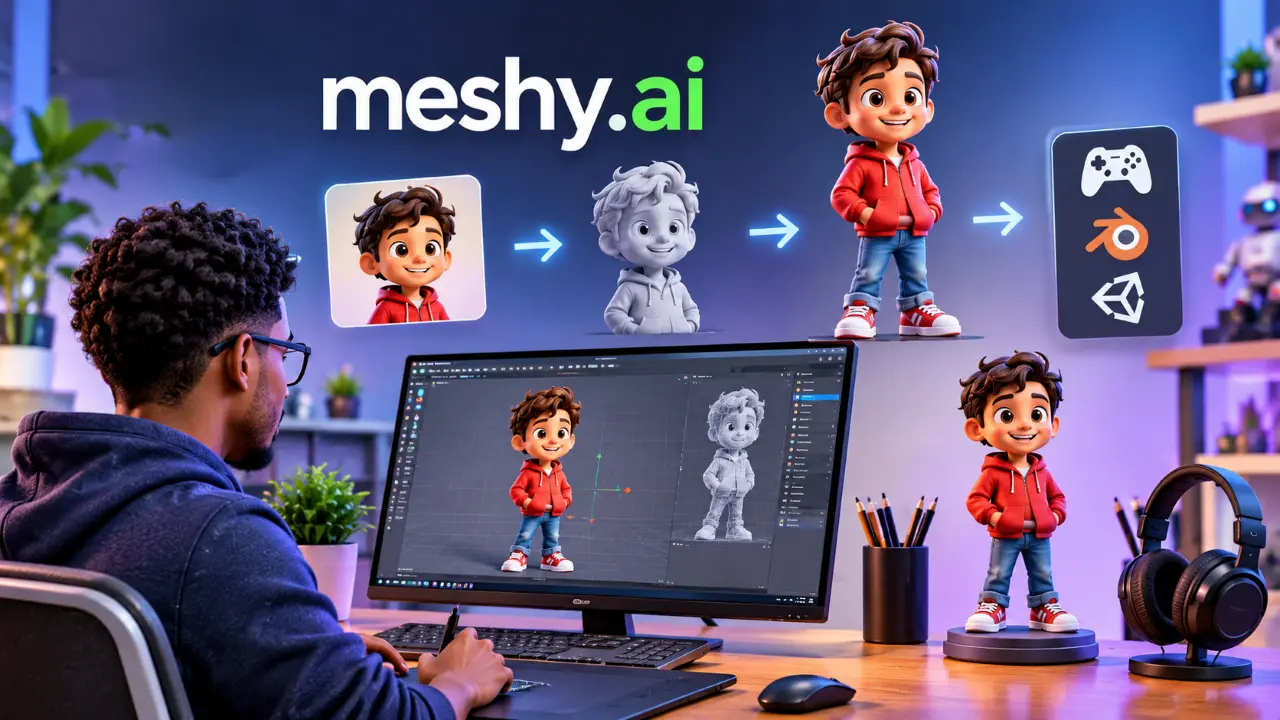
Meshy is a browser-based AI platform for generating and editing 3D content. Users can start with a text description or an image and generate a 3D model. The platform also includes tools for adding textures, adjusting geometry, and creating character animations.
Meshy’s output can serve as a starting point for projects in areas such as games, animation, product visualisation, education, and prototyping. The service supports multiple export formats, including FBX, OBJ, USDZ, GLB, STL, BLEND, 3MF, and DXF, helping users move assets into compatible 3D software or production tools.
The product is designed to make 3D creation more accessible, especially for users who want to explore an idea without having to build every asset from scratch. However, “AI-generated” does not automatically mean “production-ready.” A creator should inspect topology, scale, texture quality, and compatibility with the intended software before using an asset in a finished project.
Main Functions of Meshy
Text-to-3D generation
Text-to-3D lets users describe an object and generate a 3D model from that description. A prompt might specify the subject, style, material, and a few distinctive details. For example, a user could request a low-poly wooden treasure chest with metal corners for a game environment.
Specific prompts tend to provide a clearer creative direction than broad ones. Even so, results may vary, and users may need to revise their descriptions or generate several options before finding a suitable asset.
Image-to-3D generation
Image-to-3D uses an uploaded image as a reference to create a model. This can be useful when a creator has a concept sketch, product image, or other visual reference and wants to explore a 3D version of it.
The source image affects the outcome. A clear image with a readable silhouette and visible subject is generally more useful than a cluttered or ambiguous one. The generated model should still be checked from multiple angles; a single image does not always communicate hidden surfaces or exact proportions.
Multi-view image-to-3D
Multi-view generation can use several views of a subject to provide additional visual information. When suitable reference images are available, multiple angles can help describe form more completely than a single picture. This can be especially useful when the shape of the object matters from all sides.
AI texturing and texture editing
Meshy can generate or edit textures for 3D assets. This helps users move from a plain model toward a more finished visual style, such as painted, metallic, stone-like, or fabric-like surfaces. The platform also offers higher-resolution texture options on eligible workflows and plans.
Generated textures should be inspected for artefacts, inconsistent details, and visual mismatches. In a professional project, a creator may need to adjust materials and textures in their preferred 3D application.
Remeshing
Remeshing tools can help revise an asset’s geometry for a specific use. This may be useful when preparing a generated model for further editing or adapting it to a workflow with different geometry requirements. Users should test the resulting mesh in their target software, especially when geometry performance or printability is important.
Rigging and animation
Meshy includes character rigging and animation features, including access to a library of motion options on paid plans. These tools can help users create animated character concepts more quickly than manually setting up every movement.
The results still need review. A motion that looks acceptable in a preview may require adjustment for a particular character, scene, or production requirement. Animators may also prefer to refine the rig or movement in their established software.
3D Agent and integrated workflows
The 3D Agent provides a chat-style interface for interacting with 3D creation tasks. Meshy also offers a DCC Bridge and integrations for tools such as Blender, Unity, Unreal Engine, Maya, Roblox, Godot, and 3ds Max, as well as API access on eligible plans. These connections can help creators move assets between Meshy and other parts of their workflow.
How to Use Meshy AI
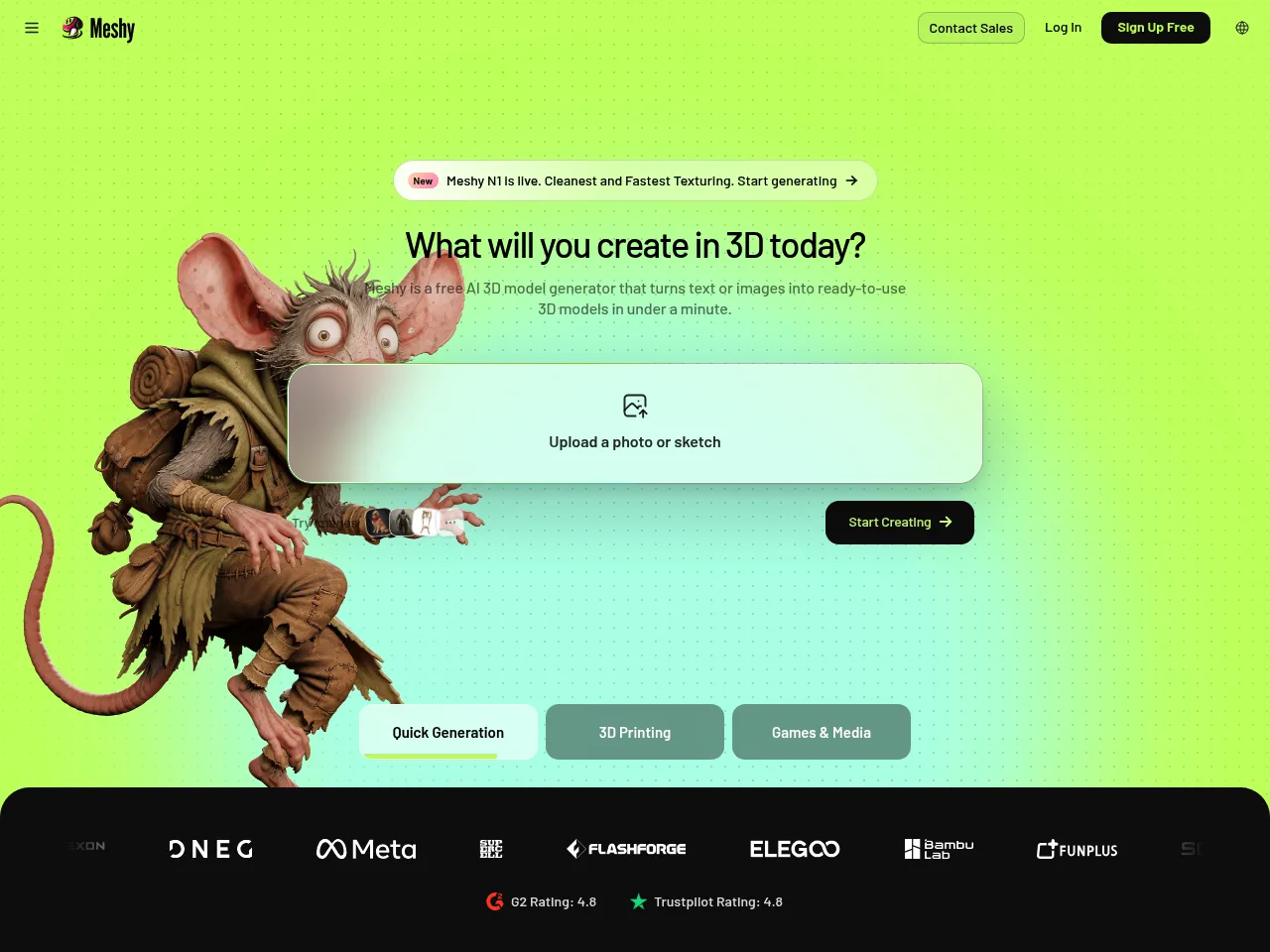
- Create an account and choose a starting point. Open Meshy and select a workflow such as text-to-3D or image-to-3D.
- Write a focused prompt or upload a reference. Describe the subject and the visual qualities that matter. For image-based creation, choose a clear image that clearly shows the subject.
- Generate the model. Submit the task and wait for the result. Generation time and queue priority can depend on the plan and workload.
- Inspect the result. Review the model from different angles. Check whether its shape, details, and style fit your intended use.
- Refine the asset. Use available tools such as texturing, texture editing, remeshing, or animation to further develop the model.
- Export or connect it to another tool. Download the asset in a suitable format or use an available integration to continue working in your 3D software.
- Test it in the target project. Confirm that the model’s scale, geometry, texture, and file format are compatible with the application or pipeline where it will be used.
A practical workflow is to treat the first generation as a draft. Start with a clear concept, review what the model gets right and wrong, then refine it before placing it into a larger project.
Meshy AI Pricing
Meshy offers a free plan and several paid options for individual creators, teams, and organisations. The official pricing page currently lists the following monthly prices and allowances; plan features, promotions, billing terms, and availability can change, so confirm the latest details on Meshy’s pricing page before subscribing.
| Plan | Listed price | Credits and notable features |
| Free | USD 0/month | 100 monthly credits, one concurrent task, low queue priority, and limited features. The listed free asset license is CC BY 4.0, which requires attribution. |
| Pro | USD 20/month | 1,000 monthly credits, up to 100 assets, unlimited downloads, higher queue priority, private asset licensing, and access to advanced tools and integrations. |
| Premium | USD 40/month | 3,000 monthly credits, up to 300 assets, higher task limits and priority, plus additional features such as Creative Lab image generation. |
| Ultra | USD 100/month | 8,000 monthly credits, up to 800 assets, the highest listed individual-plan priority, and more concurrent tasks. |
| Studio | USD 70/month, as listed | 5,500 shared monthly credits, team collaboration features, shared billing, and a team workspace. |
| Enterprise | Custom | Volume-based pricing, customizable credits, organisation features, and dedicated support options. |
The pricing page also displays a new-user offer of 50% off the first month for some paid plans. The exact offer and eligibility can vary. Annual billing and plan presentation may also affect the price shown at checkout. Meshy’s page describes generation allowances as estimates; actual credit use depends on the tasks performed. Credits reset monthly and do not accumulate according to the pricing information.
The Free plan is useful for exploring the platform, but its limited credits and license conditions may not suit commercial work. Pro is the starting point for many independent creators who need more generations, downloads, and integrations. Premium and Ultra are aimed at heavier workloads, while Studio and Enterprise are designed for teams and organisations with shared usage or management needs.
Application Scenarios
Game development
Indie developers can use Meshy to explore props, environmental objects, and character concepts. Rapid asset generation can help a team test visual directions before committing to manual modelling. Generated objects may also serve as placeholders during prototyping, even if a production artist later replaces or revises them.
Animation and visual storytelling
Creators can generate character concepts and experiment with animation workflows. This can support storyboarding, previsualization, and early scene development. The models and movement may still need artistic refinement to meet the standards of a finished production.
Product visualisation and design
Designers can turn reference images or written concepts into rough 3D studies. This can help communicate an idea, compare forms, or prepare a visual prototype. For engineering or manufacturing, however, a generated model should not be assumed to meet precise dimensions or technical specifications without careful verification.
Marketing and content creation
Marketing teams and independent creators can develop custom 3D visuals for campaign concepts, social media, or product presentations. Meshy may help produce a distinctive starting asset, which can then be polished in a design or rendering tool.
Education
Teachers and students can use text-to-3D to explore 3D concepts or to create visual learning materials. The quick feedback cycle may make experimentation easier for beginners. Educators should still review licensing and attribution requirements for the selected plan and intended classroom use.
3D printing and prototyping
Meshy lists formats such as STL and 3MF that are commonly used in 3D printing workflows. A model generated for printing still needs to be checked for wall thickness, manifold geometry, scale, and other printer-specific requirements. Export format alone does not guarantee that an asset is ready to print.
Pros and Cons
Pros
- Speeds up early creation: Text and image prompts provide a fast path from idea to 3D draft.
- Multiple creation and editing tools: Generation, texturing, remeshing, rigging, and animation are brought together in one platform.
- Useful integrations and export options: DCC Bridge integrations and support for multiple file formats enable handoff to other tools.
- Accessible to beginners: Users can explore 3D creation without needing to master a complete modelling workflow.
- Scalable plan options: Plans for individual experimentation, higher-volume work, and teams.
- Potentially useful for ideation: Fast iterations can help creators compare concepts and explore visual directions.
Cons
- Results need inspection and cleanup: Generated geometry, textures, and animations may not be ready for production without revision.
- Prompt results can vary: Users may need several attempts to obtain the form or style they want.
- Credit usage limits: Heavier experimentation can consume monthly credits, and the credit allowance varies by plan.
- Not a substitute for specialist skills: Detailed modelling, exact engineering, advanced rigging, and production art may still require conventional tools and expertise.
- License terms vary by plan; users should understand attribution and asset ownership conditions before using models commercially.
- Pricing and included features can change: Subscription details and promotions should be confirmed directly before purchase.
Meshy Alternatives and Competing AI Tools
- Tripo AI: A text- and image-based 3D generation platform focused on creating models quickly. It is worth comparing for users who prioritise rapid asset generation and want to test a different prompt-to-model workflow.
- Luma AI: Known for AI tools that can create and capture 3D scenes or objects from visual inputs. It may suit users whose projects involve scene capture, spatial content, and asset creation.
- Spline AI: Combines 3D design and interactive scene creation with AI-assisted features. It may appeal to web designers and creators who want to build interactive 3D experiences and generate objects.
- Kaedim: Focuses on converting 2D concepts and references into 3D assets, with workflows aimed at production teams. It can be relevant when a creator needs a more guided concept-to-asset process.
- Rodin by Hyper3D: Offers generative 3D model creation from text or images. It is another option for evaluating generated model styles, output quality, and workflow fit.
- Blender: A powerful open-source 3D creation suite rather than a direct text-to-3D generator. It is a strong choice for manual modelling, sculpting, animation, and detailed control, though it requires more hands-on learning.
- Autodesk Maya: A professional 3D application used in modelling, rigging, and animation pipelines. It is better suited to users who need established production tools and fine control than to those seeking a prompt-only workflow.
- Adobe Substance 3D tools: A suite focused on materials, texturing, and 3D asset workflows. It can complement Meshy or serve users whose primary need is material creation and texture development rather than automatic model generation.
These products differ in their focus, pricing, and level of automation. Before choosing one, compare the quality of the outputs for your asset types, the available export formats, the licensing terms, the integration requirements, and the amount of manual editing you expect to do.
Final Verdict: Is Meshy AI Worth Trying?
Meshy is a useful option for creators who want to turn text prompts and images into 3D assets without starting every model from a blank canvas. Its combination of capabilities for generation, texturing, remeshing, animation, export, and integration makes it more than a single-purpose model generator. It can be particularly helpful for ideation, prototypes, game assets, and learning-oriented projects.
Its main limitation is the gap between a quickly generated result and a dependable production asset. Users should expect to inspect and sometimes refine models before relying on them in a game, animation, print, or design pipeline. Plan limits and licensing also deserve attention, especially for commercial or high-volume work.
For an independent creator, the Free plan offers a low-risk way to test the workflow, while Pro may be more practical for regular use. Teams should compare the Studio and Enterprise options against their collaboration and asset retention needs. Overall, Meshy is best categorised on aisoftradar.com under Image Visual Tools; its core value is helping users create and develop 3D visual assets with AI.
Specification: Meshy AI Affiliate Program
| For Advertisers | ||||||||||||||
|---|---|---|---|---|---|---|---|---|---|---|---|---|---|---|
| ||||||||||||||
| Affiliate Program Details | ||||||||||||||
| ||||||||||||||
| Targeting, Customization & Optimization | ||||||||||||||
| ||||||||||||||
User Reviews
Be the first to review “Meshy AI Affiliate Program”














There are no reviews yet.